Computer Assembly - How To Assemble A PC
Install The RAM - System Memory
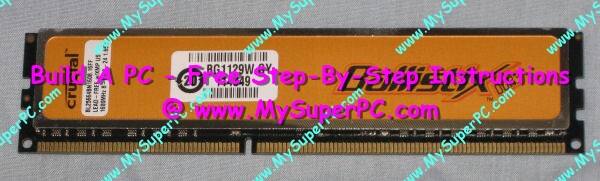
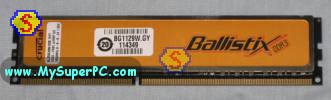
The RAM - System memory consists of four sticks of Crucial Ballistix 2048MB PC3-12800 DDR3 memory, for a total of 8192MB (8GB) of physical memory. Here is what each stick looks like.
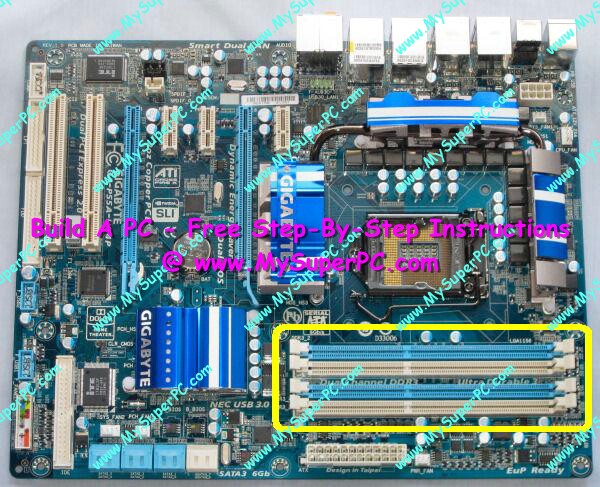
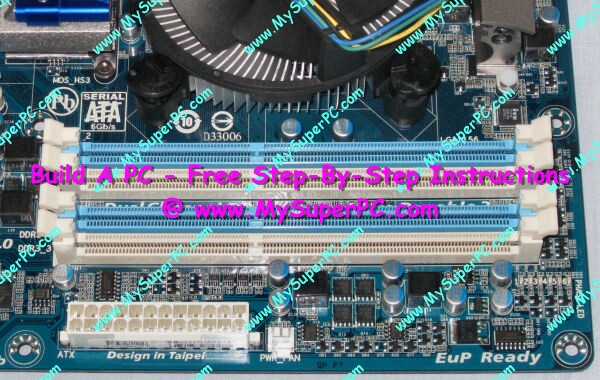
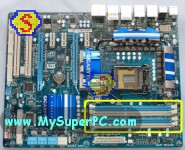
On the Gigabyte GA-P55A-UD4P motherboard, the RAM memory slots are the 4 DIMM slots circled in yellow in the lower-right of the motherboard. Two of the DIMM slots are blue and two of them are white.
Since the Gigabyte GA-P55A-UD4P motherboard has 4 memory slots, I'll be using all of them to install the four PC3-12800 DDR3 memory modules. The motherboard manual describes how the memory modules can be filled when not all of the memory slots are being used.
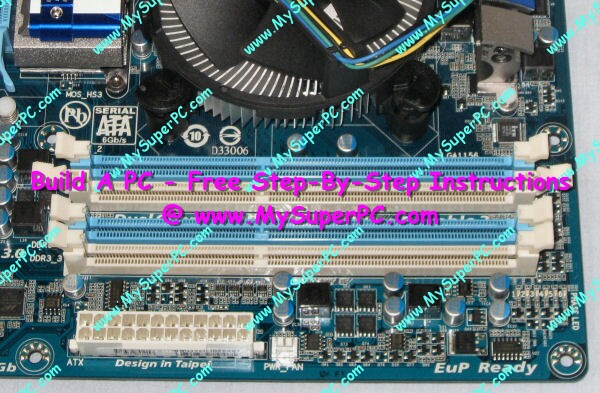
The first DIMM on the Gigabyte GA-P55A-UD4P motherboard is actually not the topmost DIMM in the picture, but the next one. Open the white latches of the memory slot so the DIMM memory module can be inserted. If only one memory module was being used then it would be inserted here for this particular motherboard. Since I'm using four memory modules and I'm installing them all at once, it doesn't matter the order in which they are filled.
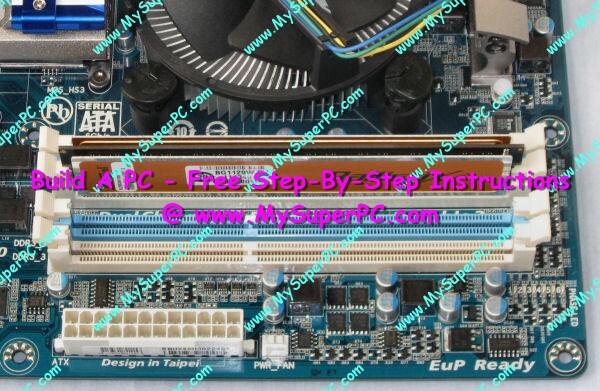
Insert the Crucial Ballistix 2048MB PC2-8500 DDR2 memory module into the slot. The module can only be installed one way due to the way the module is "keyed" along it's bottom edge with the slot. I have an entire site dedicated to computer memory at Computer Memory Upgrade. Step-by-step instructions on how to install DDR2 memory modules begin at Computer Memory Upgrade - DDR2 Installation.
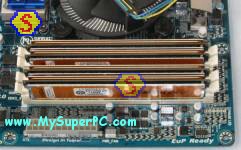
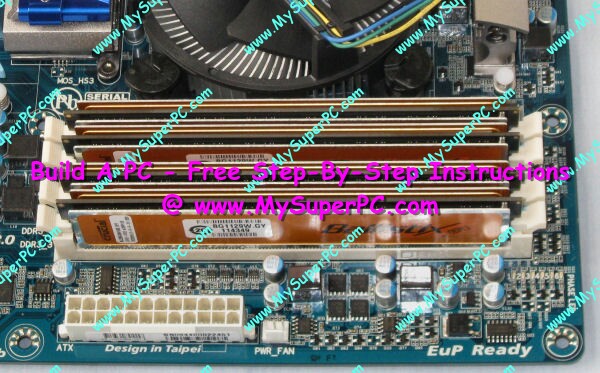
Repeating the process with a Crucial Ballistix 2048MB PC3-12800 DDR3 memory for each memory slot leaves them fully populated like this.
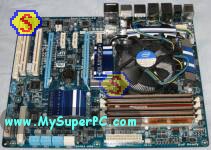
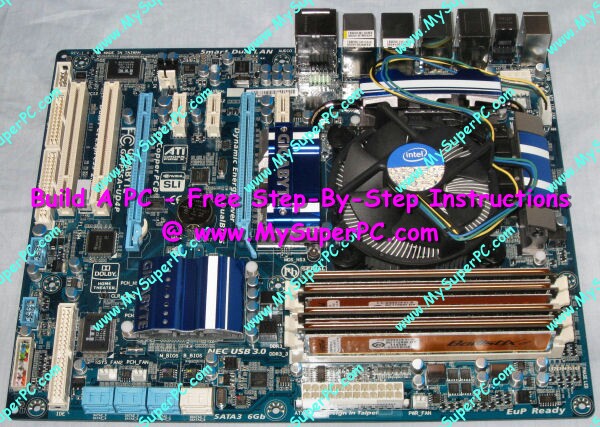
Here is how the motherboard looks now with all of the memory slots filled with Crucial Ballistix 2048MB PC2-8500 DDR2 RAM Memory Modules.
Back to My Super PC - Home Page
How To Build A Computer. Step By Step Instructions To Assemble. Skip To Any Assembly Step.
Back to My Super PC - Home Page
© 2001-2015, Rob Williams, all rights reserved.
|

|
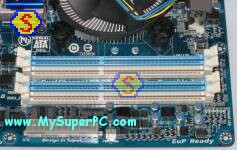
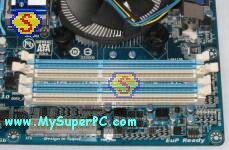 Repeating the process with a Crucial Ballistix 2048MB PC3-12800 DDR3 memory for each memory slot leaves them fully populated like this.
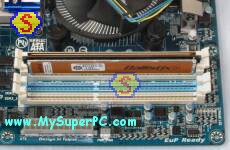 Here is how the motherboard looks now with all of the memory slots filled with Crucial Ballistix 2048MB PC2-8500 DDR2 RAM Memory Modules.