Computer Assembly - How To Assemble A PC
The Video Card
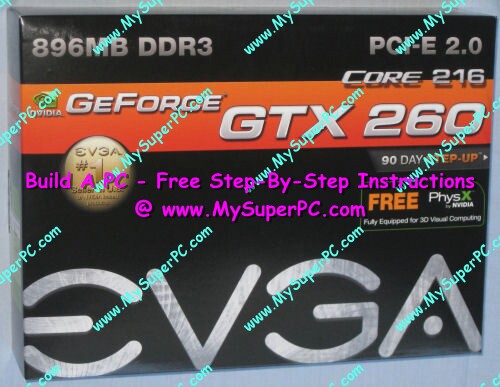
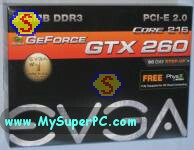
The NVIDIA GeForce 260 Core 216 896MB DDR3 video card is capable of handling any graphical task. For an overview of computer video cards and which ones I think are best, see my How to build a computer like My Super PC - Video Card page.
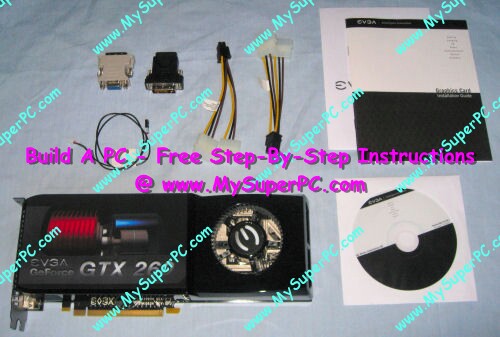
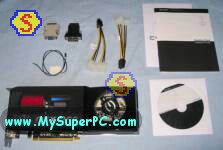
The contents of the retail box includes a CD which contains the video card drivers power cables for connecting the video card directly to the power supply. Not all video cards need this direct connection to the power supply to operate effectively, but most high-end video cards do.
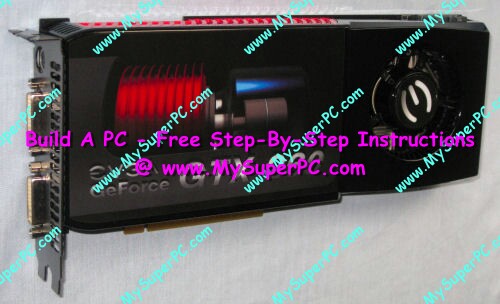
A close-up of the video card. Nearly the entire face of the video card is covered by cooling components, such as the fan.
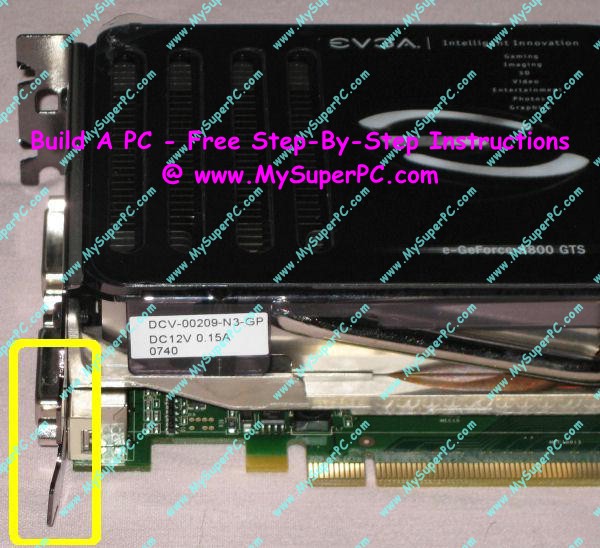
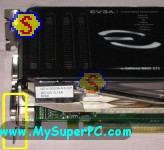
Inspect the video card. Too often I've seen my retail boxed video card arrive with the issue circled in yellow in the picture below, in spite of being protected and held securely in place inside the retail box with molded plastic. Namely the slot cover of the video card is bent as shown. It should be straight. You should be able to straighten it reasonably well with just your hands.
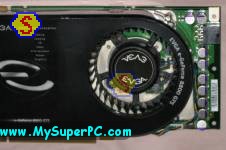
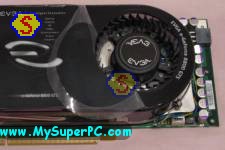
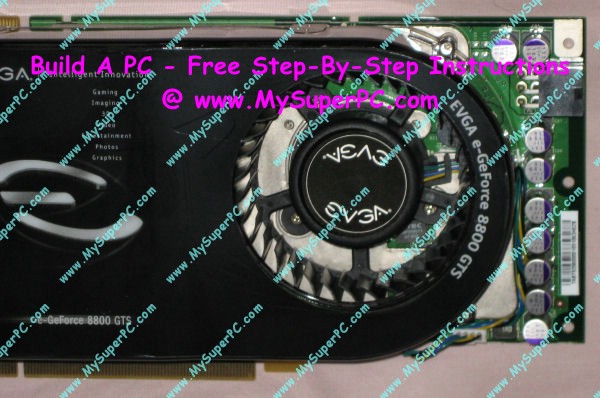
A second issue is to check whether the fan is covered by a thin, transparent, plastic film. This film is very easy to miss. In this picture, you don't really notice it.
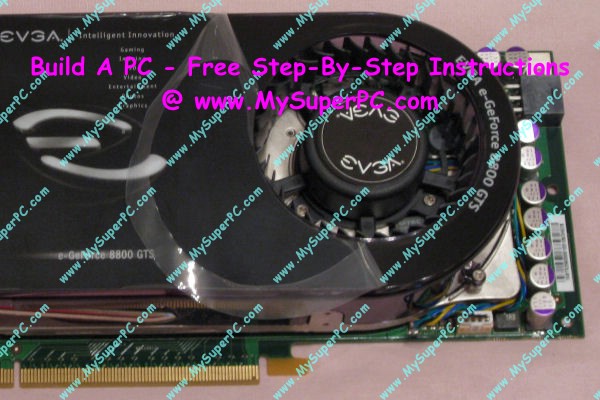
But it's there! Peel it back and remove it. It gets pretty hot inside the PC, and this thin plastic film doesn't look like it would hold up too well under heat. It certainly wouldn't be good if it got into the fan vents or other computer components.
My complete recommendations for building a computer with quality components at unbeatable
prices is on my home page at
Build A Computer
Like My Super PC - Cost To Build A Computer. Here again are the recommendations for a video card!
| Description
| Where I Would Get It Today
| Today's Price
| Comments
|
| eVGA GeForce GTX 960 2GB DDR5 |
Amazon
|
$209.99 |
Free shipping!
Retail box. Clicking the link takes you directly to it.
A GeForce GTX 960 video card like this one is great for demanding graphics environments, including digital video and top-tier gaming, without spending too much. Very quiet and powerful. DirectX 11 support built-in. PCI-E 3.0 compliant. SLI compatible. Fast DDR5 memory. Power supply of 400-watts or better recommended. Does use an extra slot. Uses one 6-pin power connectors from the power supply (the Antec Sonata III comes with this).
|
|
Back to My Super PC - Home Page
How To Build A Computer. Step By Step Instructions To Assemble. Skip To Any Assembly Step.
Back to My Super PC - Home Page
© 2001-2015, Rob Williams, all rights reserved.
|

|
 Inspect the video card. Too often I've seen my retail boxed video card arrive with the issue circled in yellow in the picture below, in spite of being protected and held securely in place inside the retail box with molded plastic. Namely the slot cover of the video card is bent as shown. It should be straight. You should be able to straighten it reasonably well with just your hands.
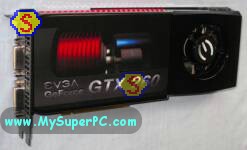 A second issue is to check whether the fan is covered by a thin, transparent, plastic film. This film is very easy to miss. In this picture, you don't really notice it.
 But it's there! Peel it back and remove it. It gets pretty hot inside the PC, and this thin plastic film doesn't look like it would hold up too well under heat. It certainly wouldn't be good if it got into the fan vents or other computer components.